
Article written by Vakaris Noreika, Vice President of Product Research and Development at NordLayer
Monday morning you’re managing an organization’s security, and suddenly your security tools report private ChatGPT usage on a managed laptop, even though your organization pays for ChatGPT Enterprise.
Wondering what the employee submitted to ChatGPT. This could be a public job description or a customer ticket with contact information and internal account details. Maybe sensitive government documents, if that’s your area of responsibility as acting director of CISA did in 2025?
The case is hypothetical. In this article we will trace two versions of the same event.
In the first case, your security tools identify personal account usage, but nothing in your current configuration checks what goes into the command prompt. In the second, NordLayer AI Scout is deployed in the managed browser with a custom detector for your customer account number format set to Block.
What are you doing next?
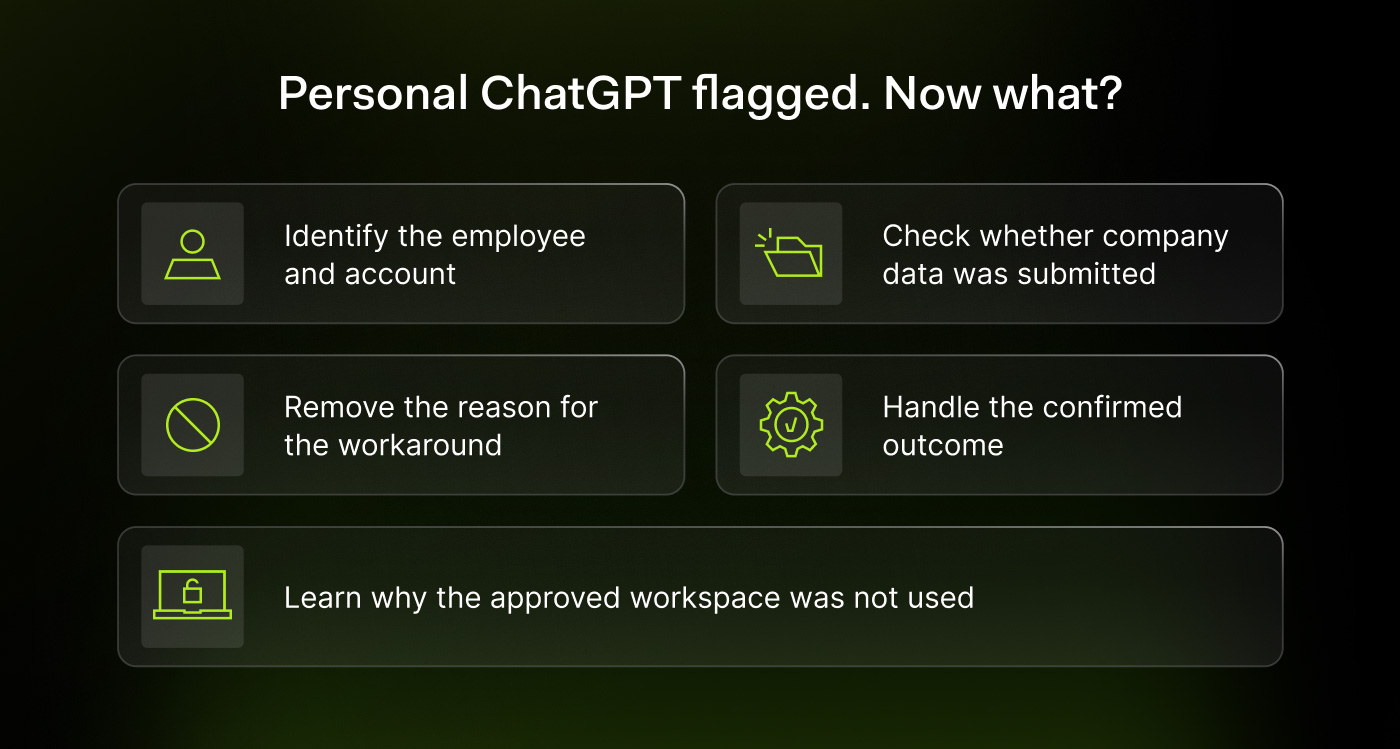
1. Confirm the account and employee
You start with the basics. Using only your existing controls, open the event that marked personal ChatGPT usage and determine which identity belongs to what. The user who signed in to your security tools may have a corporate email address. However, the ChatGPT login behind the event may be a personal Gmail account.
This means you have one person, two identities, and an awkward conversation in front of you.
With NordLayer AI Scout, the logged in ChatGPT account appears next to the conversation and the tool classifies new ChatGPT conversations as personal or business.
The activity is tied to an individual via the work email address that your MDM tool sends to the device. Directory sync with Entra ID, Okta, or HiBob adds the department, team, and role information.
2. Determine what ChatGPT has achieved
In the first scenario, the saved event states that the employee used a personal account. It does not contain any prompt text or sensitive data results, so you cannot recreate the submission from it.
As part of the incident review process, ask the employee to show you the conversation. Unless you want a tour of your colleague’s meal plans or medical questions, keep the request narrow and limit it to work exchanges around that timestamp.
Let’s assume the customer ticket is right in the prompt and ChatGPT’s response discusses it in detail. You now have evidence that customer information has reached the service.
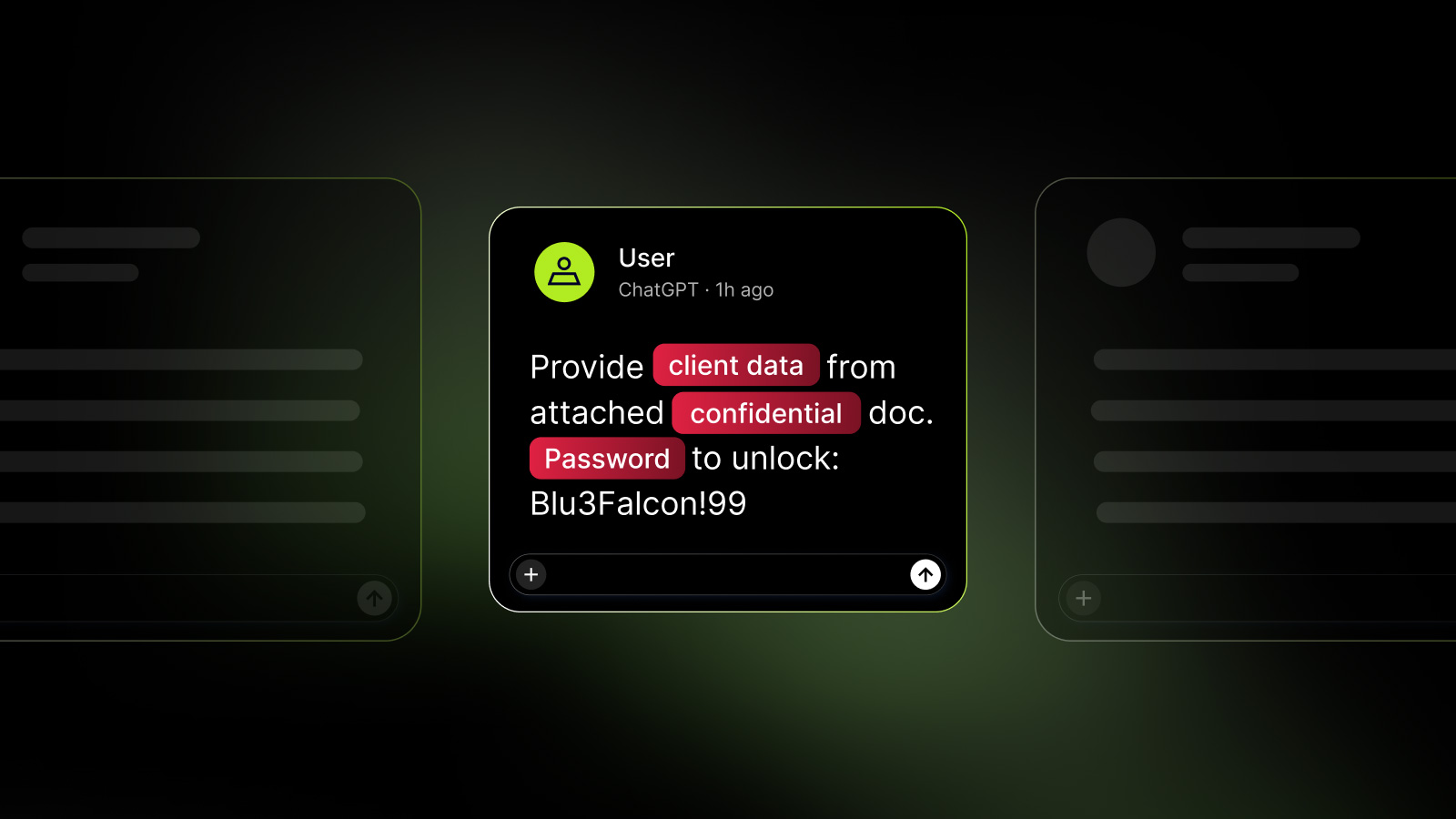
With NordLayer AI Scout you can open the blocked finding. The browser extension had checked the command prompt on the device before leaving the device. A configured detector matched the customer data and the Block action stopped the transmission.
The employee then saw a notice on the page that the prompt was blocked. No one on the security team had to read the request for this to happen.
Get a clearer picture of how employees use AI tools and programming agents in your organization, including applications that may run outside of your approved tools list.
Try NordLayer AI Scout for 30 days and take advantage of this transparency.
3. Ask why the company access went unused
There is a 99% chance that the explanation is banal: the company session timed out, 2FA took too long, the customer was upset, and the personal ChatGPT tab was already open and logged in.
The agent says that’s why he inserted a customer support exchange into the chat, typed “Draft a response explaining why this customer can’t access his account,” and hit send.
Without a proper request blocking rule, the request reached ChatGPT. Good. Next, you should find out if this was the first time.
Without NordLayer AI Scout, you are dependent on the employee’s memory. You have to ask yourself if they’ve ever inserted entire tickets, uploaded attachments, or created links to shared conversations before, and in general, if personal ChatGPT became their Plan B every time the corporate meeting expired.
It’s also a good idea to ask what they understood about the policy. Sometimes people remember that ChatGPT is approved, but forget which workspace and data it applies to.
4. Respond to the result you confirmed
Without dedicated controls at the prompt level, the customer data ended up in a completed conversation in a personal ChatGPT account. You should retain the evidence you need and include the incident, privacy or data owner.
Then assess how serious it is based on what was shared. If credentials have been exposed, they must be revoked or rotated. If customer data is involved, the process may require a privacy assessment. If public text has been inserted, there is no data incident at all, but it makes sense to speak to the employee about their more powerful Enterprise seat, which is paid.
In any case, you should make sure that the description is correct, as the use of a personal account does not prove that the request entered the model training, became public, or reached another user.
You have confirmed that company data was entered into a service using an account outside of the approved agreement – that’s serious enough without sugarcoating it.
When you use NordLayer AI Scout, you only record that the configured rule blocked this submission. The event shows an attempted policy violation and the control that stopped it. If the employee mentions previous use of their personal account, evaluate this separately.
5. Correct the workflow before closing the ticket
They help with 2FA and ask the employee to log in to the Enterprise workspace and complete the support task there so you can see how it works. However, an Enterprise subscription doesn’t mean employees can submit something, so you’ll also check that the task and data are allowed.
In the first scenario, you review personal instance restrictions and the applicable DLP rules.
With NordLayer AI Scout, you confirm the browser extension’s prompt policy.
“Warn”, “redact” and “block” fulfill different tasks.
“Warn” pauses the sending and gives the employee the choice of whether to send anyway or go back and edit the text. Redact removes the matching value and sends the rest. Block stops the prompt. You select the action that fits each data category.
Then document the account, device, verified content, whether the request was sent, and who owns the response. Finally, record the access fix and schedule a check for repeat events.
All in all, in one version customer data reached the personal ChatGPT and required a risk assessment. In the other case, the configured detector blocked the prompt before leaving the device.
In both variants, the employee needs company access that works on a Monday morning. Without this information the ticket will be closed and a workaround will be available by tomorrow.
About the author:
Vakaris Noreika, vice president of product research and development, is a cybersecurity expert who oversees the development of enterprise security products at NordLayer, a switchable network security platform for enterprises. He has extensive experience in threat analysis, network security, data protection and automated monitoring. It focuses on controls that reduce exposure without creating unnecessary operational burden.
Sponsored and written by NordLayer AI Scout.


