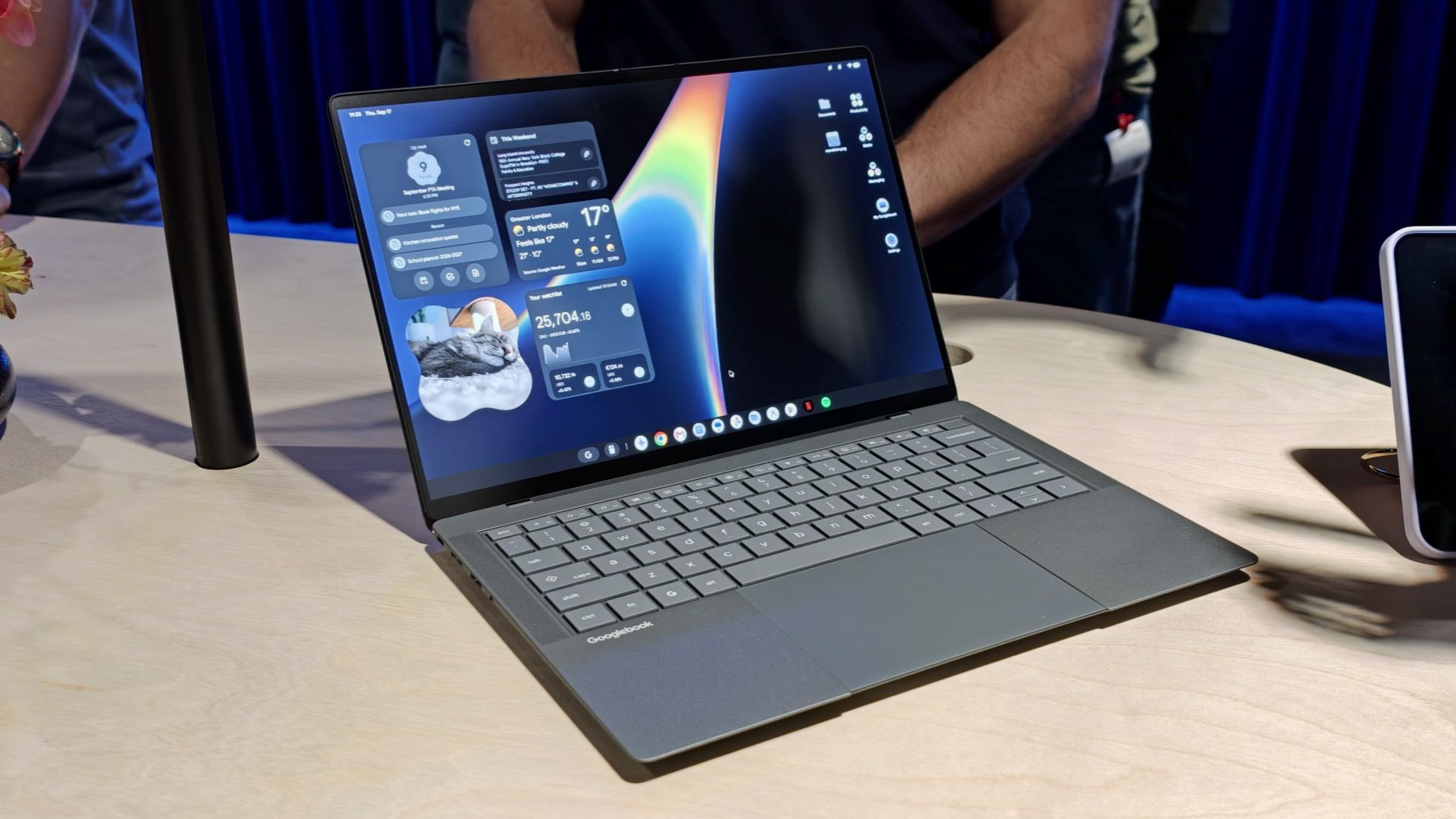
Google is finally bringing Samsung phone support to its Googlebook laptops, fixing one of the biggest frustrations users have faced since the devices launched.
The company has started rolling out an update that will enable Better Together features on Samsung Galaxy phones running One UI 9 based on Android 17. These cross-device tools were noticeably absent at launch, leaving Samsung users unable to take full advantage of the integration between their phones and Google’s new laptops.
The problem was frustrating enough for that a Reddit user reportedly returned their Googlebook after discovering it didn’t work properly with the Galaxy Z Fold 8.
According to Google community expert Mishaal Rahman, who shared the update on Reddit, Samsung users now have access to four Better Together features: Continue On, Cast My Apps, Quick Access, and Notification Sync.
These allow users to more easily move between their phones and laptops, whether it’s to continue an activity, access phone apps, or sync notifications between devices.
Google is also addressing some setup issues that have plagued Googlebooks since launch. The new update to Google Play Services aims to simplify the initial pairing process and fix a bug that could cause the setup QR code to be stuck on the screen even after the phone is successfully connected.
Both updates will roll out automatically over the next few days, with Google recommending that devices remain connected to Wi-Fi and charged to receive them sooner.
There are still some requirements to keep in mind. Phones must run Android 17, and Samsung devices specifically require One UI 9. Both devices must use the same personal Google account with Bluetooth and Wi-Fi enabled.
Users will need Google Play Services version 26.37 or later and Services through Devices version 1.0.1346 or later. Google recommends avoiding public or restricted Wi-Fi networks during setup, and temporarily disabling VPNs or DNS blockers if pairing fails.
Welcome to Samsung owners, especially given how central the phones are to the Googlebook experience. The features arguably should have worked from day one, but at least Google is addressing the issue now.